
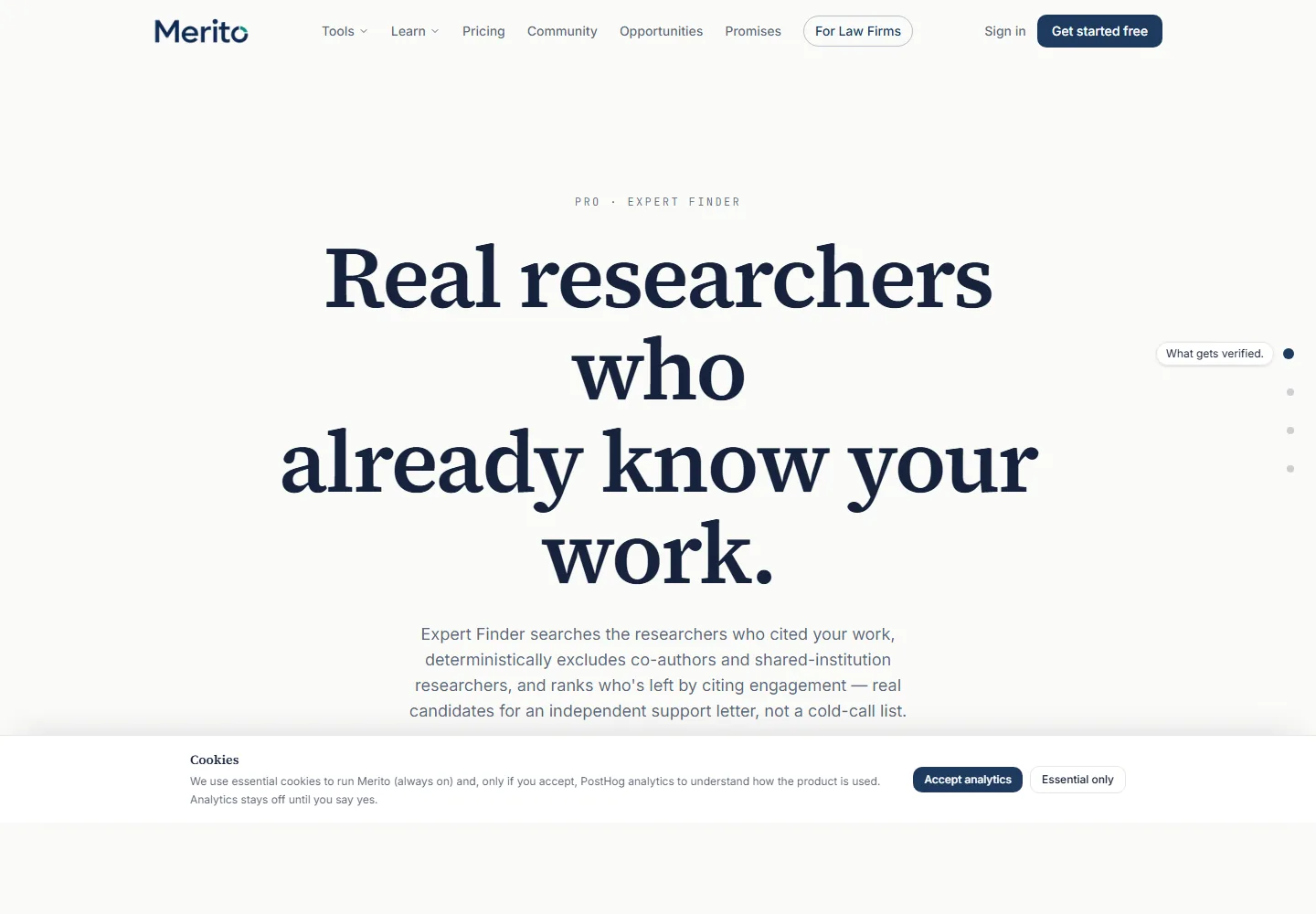
What it does

- Searches OpenAlex for researchers who cited your published work, then deterministically excludes anyone who ever co-authored with you or currently shares your institution — no AI model runs this step, it's pure aggregation and filtering code.
- Ranks who's left by citing engagement (how many of your works they cited), with works count and h-index as tiebreakers.
- Hands you real candidates for an independent expert letter, not a cold-call list assembled by guesswork.
When to use it
Expert Finder sits in the Strengthen stage of the Case Journey, alongside Radar and Citation Lens — run it once your case file already has published, citable work in it. Its own results page's "Start letter" button feeds directly into Expert Letter Studio, pre-filling the candidate's name and citation profile — that pipeline (Finder → Letters) is the natural two-step flow, not two independent tools.
Before you start
- Your case's Case File must already clear the standard readiness checklist: a CV in the General project, at least 3 criterion projects each analyzed with a distinct primary criterion, and at least 8 documents ready case-wide. Until then you'll see a "Not enough material yet" checklist instead of the tool.
- You need a name or ORCID iD to search — searching itself is free.
- Running a full search (the ranked candidate list) costs 1 credit. Viewing a past run, or the case owner's collaborators viewing this page at all, is never credit-gated — only starting a new run is.
- Typical time: under a minute for the search and disambiguation, seconds for the run itself.
Step by step
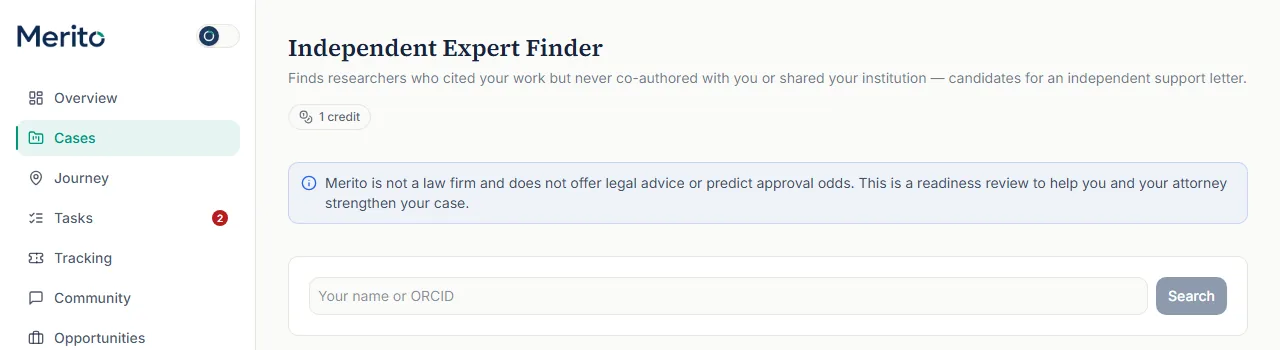
Search a name or ORCID. Under "New search," type your own name or ORCID iD and click Search — this step is free regardless of how many times you run it.
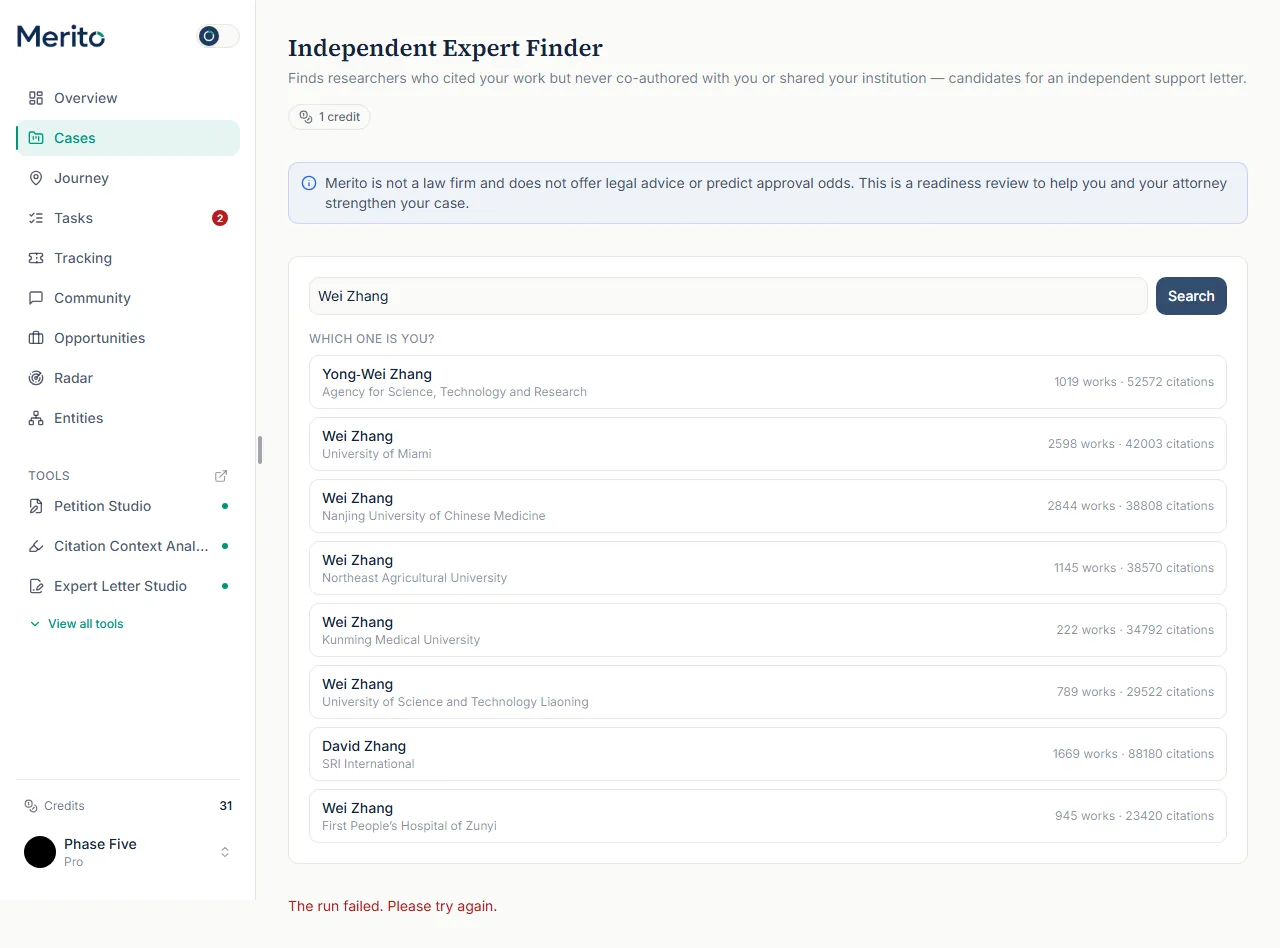
Disambiguate if needed. OpenAlex often returns several people with the same name. Pick the one that's actually you from the "Which one is you?" list, each row showing works and citation counts.
- Tip: search by ORCID iD instead of name if the name search returns the wrong person or too many candidates — it skips disambiguation entirely.
- Tip: search by ORCID iD instead of name if the name search returns the wrong person or too many candidates — it skips disambiguation entirely.
Run Finder on the right candidate. Clicking your own entry starts the actual 1-credit run: OpenAlex citation lookup, co-author/institution exclusion, and ranking.
- Warning: this step spends a credit even if the result is empty — pick carefully at step 2.
Read the candidate list. Each card shows the researcher's name, institution, how many of your publications they cited, and the specific independence basis (no shared publications with you, plus a distinct institution when known).
Start a letter. From any candidate card, click "Start letter" to jump straight into Expert Letter Studio with that candidate's name and citation profile already filled in.
Export if needed. "Export CSV" downloads the full ranked list for your own records or to hand to your attorney.
Reading the result
- Candidate name / institution — pulled directly from OpenAlex; "No institution on record" appears when OpenAlex has none.
- Works · citations — the candidate's total works and citation counts (their own scholarly footprint, not specific to your work).
- Cited your work in N publication(s) — how many of your works this specific candidate cited.
- Independence basis — the plain-language reason they qualify: no shared publications with you, and (when known) a distinct current institution. This is the deterministic exclusion logic stated back to you, not an AI judgment call.
- A failed run shows "The run failed. Please try again." — a real OpenAlex/API failure, not a design state you need to interpret further.
Free vs Pro for this tool
- Expert Finder is not on the Free plan at all — it's one of the tools gated behind Pro (
expert_finderin the Pro plan's tool list). - A 7-day Pro trial gives you the full toolset, including Expert Finder, with the plan's pooled monthly credits (40/month on Pro) to spend across every credited tool, not a separate trial-only allotment.
- Starting the trial requires a card at Stripe Checkout (a standard subscription trial, not a card-free preview) — cancel from the billing portal before the trial ends to avoid being charged. Start it from Expert Finder's own page, using the main button under the headline; that button's label follows your plan ("Start your free trial" before you have used one, "Run Expert Finder" once your plan or trial already covers the tool, "Upgrade to Pro" if you have already used it).
Ready to put this to work on your own case? Start free — no credit card required, or start your free trial to unlock the full Pro toolset. For more background from Merito's parent site, see EB1 Mentor's EB-1A criteria service overview.
Common mistakes
- Running the search on a common name without narrowing to ORCID first, then spending the 1-credit run on the wrong disambiguated person by mistake.
- Assuming the ranked list is a cold-call list — it's specifically NOT that. Everyone on it already cited your work; the point is that they're independent of you, not that they're strangers to your field.
- Forgetting that viewing this page's history costs nothing — only clicking through to an actual new run spends a credit. Re-checking past results is free.
- Treating "no institution on record" as suspicious — OpenAlex simply doesn't have current affiliation data for every author; it doesn't affect the independence basis.
Frequently asked questions
Does searching for my name cost a credit?
No. Only running Finder on a specific disambiguated candidate (the ranked list) costs 1 credit. Search and disambiguation are free.
How does Finder decide someone is "independent"?
Deterministically, not by AI: anyone who ever co-authored a work with you, or currently shares your institution, is excluded before ranking. The remaining candidates are ranked by how much they cited your work.
Can someone I've never met still show up here?
Yes — that's the point. Expert Finder surfaces people who engaged with your work through citation, not people you already know.
What happens if my run fails?
You'll see "The run failed. Please try again." — this reflects a real OpenAlex/API-level failure. Re-running doesn't cost a second credit if the first attempt never completed a candidate list.
Can a collaborator on my case run this tool?
No — only the case owner can start a new search or run. Collaborators can view existing results.
Merito is not a law firm and does not offer legal advice or predict approval odds. This is a readiness review to help you and your attorney strengthen your case.