
What it does

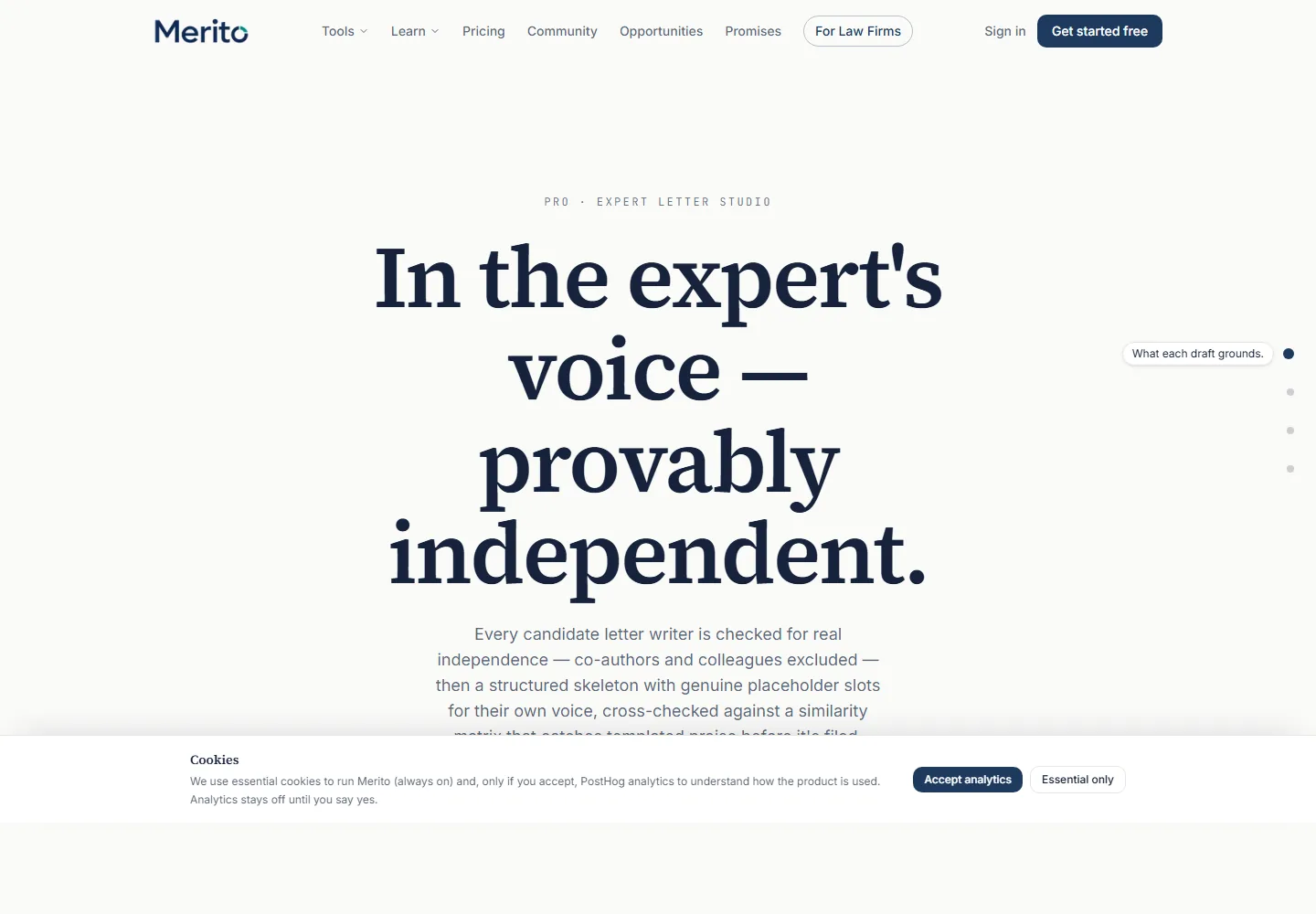
- Runs an independence check on a named expert (using their CV/profile text, plus an optional ORCID for a metrics-based check), a suitability map against your chosen criteria, and a letter skeleton written in the expert's own register.
- Leaves genuine placeholder slots in the skeleton —
[PETITIONER'S OWN VOICE: ...]blocks — that only the expert can fill in; the tool never fabricates their personal observations. - Runs a Letter Similarity Guard across every letter in the case, flagging passages that read too similarly to each other — a signal of shared drafting, not a verdict on any single letter.
When to use it
Use it right after Expert Finder identifies a real, independent candidate — Finder's own "Start letter" button deep-links here with the candidate's name and citation profile pre-filled. It isn't tracked in the app's structured Journey map, but in practice it sits alongside Field & Narrative Studio in the case-positioning work that happens once you know who your evidence and your case story are.
Before you start
- Same Case File readiness checklist as the other case-workspace tools: a CV in General, 3 analyzed criterion projects with distinct primary criteria, 8 ready documents case-wide.
- You need the expert's full name and their CV or professional bio text pasted in (their ORCID is optional but unlocks an independence metrics check).
- Pick which of the case's criteria the letter should address before generating.
- Cost: 2 credits per letter generated. Viewing existing letters, expanding them, and re-running the Similarity Guard cost nothing extra.
Step by step
Enter the expert's details. Fill in their full name, optionally their ORCID, and paste their CV or bio text — this is exactly what arrives pre-filled if you came from Expert Finder's "Start letter" link.
Choose target criteria. Select which of the case's regulatory criteria this letter should address; you can select more than one.
Generate. Click "Generate letter" — this spends 2 credits and produces the independence assessment, suitability map, and skeleton together.
- Tip: the independence check re-verifies the expert from scratch, even if they arrived from a Finder candidate — treat it as confirmation, not a formality.
Read the three sections. Expand the generated letter card to see the independence assessment, suitability map, and skeleton, each as its own labeled section.
- No committed screenshot of a populated letter card exists in this repo as of this guide's writing — this step uses an example-output placeholder component rather than a real screenshot. See this guide's evidence table.
Export or hand off. "Export PDF" downloads the letter skeleton as-is. The
[PETITIONER'S OWN VOICE: ...]placeholders stay visible in the export — the expert fills those in outside the tool.Check for similarity across letters. Once more than one letter exists on the case, the Letter Similarity Guard panel shows overlap severity per letter and, when flagged, the actual overlapping sentence pairs with a label (boilerplate phrase, structural echo, or verbatim risk).
- Warning: a flagged pair is a signal to revise, not proof of misconduct — the tool's own copy says so directly: "a signal of shared drafting, not a verdict."
Reading the result
- Independence assessment — the check on whether this expert is genuinely independent of you (no shared authorship, no shared institution), same underlying logic Expert Finder uses, re-run here directly against the pasted profile.
- Suitability map — how well this expert's background actually maps to the criteria you selected.
- Letter skeleton — the drafted structure in the expert's own register, with explicit
[PETITIONER'S OWN VOICE: ...]placeholder blocks the tool deliberately leaves blank. - Status: Draft / Generated / Failed — a letter's lifecycle state; only "Generated" letters can be expanded, exported, or checked for similarity.
- Letter Similarity Guard severity: Low overlap / Moderate overlap / High overlap — a per-letter share of flagged content across the case's other letters, plus specific pair labels: Boilerplate phrase, Structural echo, Verbatim risk.
- Every letter carries a standing "DRAFT — the expert must add their own observations before this is usable" banner. This is AI-generated drafting language, not a finished document — it needs the expert's own input before it's usable.
Free vs Pro for this tool
- Not available on the Free plan at all — it's one of the tools in the Pro plan's tool list (
expert_letter_studio). - A 7-day Pro trial includes it, drawing from the plan's shared 40 credits/month rather than a separate trial allotment — at 2 credits per letter, a trial covers several drafts.
- Starting the trial requires a card at Stripe Checkout — cancel from the billing portal before the trial ends to avoid a charge. Start it from Expert Letter Studio's own page, using the main button under the headline; that button's label follows your plan ("Start your free trial" before you have used one, "Run Expert Letter Studio" once your plan or trial already covers the tool, "Upgrade to Pro" if you have already used it).
Ready to put this to work on your own case? Start free — no credit card required, or start your free trial to unlock the full Pro toolset. For more background from Merito's parent site, see booking a mentorship session with EB1 Mentor.
Common mistakes
- Pasting a thin or generic bio instead of the expert's actual CV — the suitability map and skeleton are only as specific as the profile text you give it.
- Selecting every criterion "just in case" instead of the ones this specific expert can genuinely speak to — a suitability map that doesn't actually fit invites the exact overlap issues Similarity Guard exists to catch.
- Treating the skeleton as a finished letter — the
[PETITIONER'S OWN VOICE: ...]placeholders are load-bearing; a letter exported and sent with those still blank isn't ready. - Ignoring a Moderate or High Similarity Guard flag because each individual letter reads fine in isolation — the flag is specifically about cross-letter patterns, which you can't see from any single letter.
Frequently asked questions
Does the tool write the expert's actual opinion for them?
No. It drafts structure and independence/suitability framing, then leaves explicit placeholder blocks for the expert's own observations — it never invents what they'd say.
What does "2 credits" actually cover?
One full generation: independence check, suitability map, and skeleton together, as a single 2-credit action per letter.
Can I regenerate a letter for the same expert?
Yes — running it again for the same name/profile creates a new letter (and spends another 2 credits); the app doesn't currently overwrite a prior draft in place.
What triggers a Similarity Guard flag?
Passages across two or more of this case's letters that read too similarly — labeled as a boilerplate phrase, a structural echo, or a verbatim risk, with a per-letter overlap percentage.
Is this available if I'm not on Pro?
No — it requires a Pro plan or Pro-tier credits; there's no free-tier version of this tool.
Merito is not a law firm and does not offer legal advice or predict approval odds. This is a readiness review to help you and your attorney strengthen your case.