
What it does

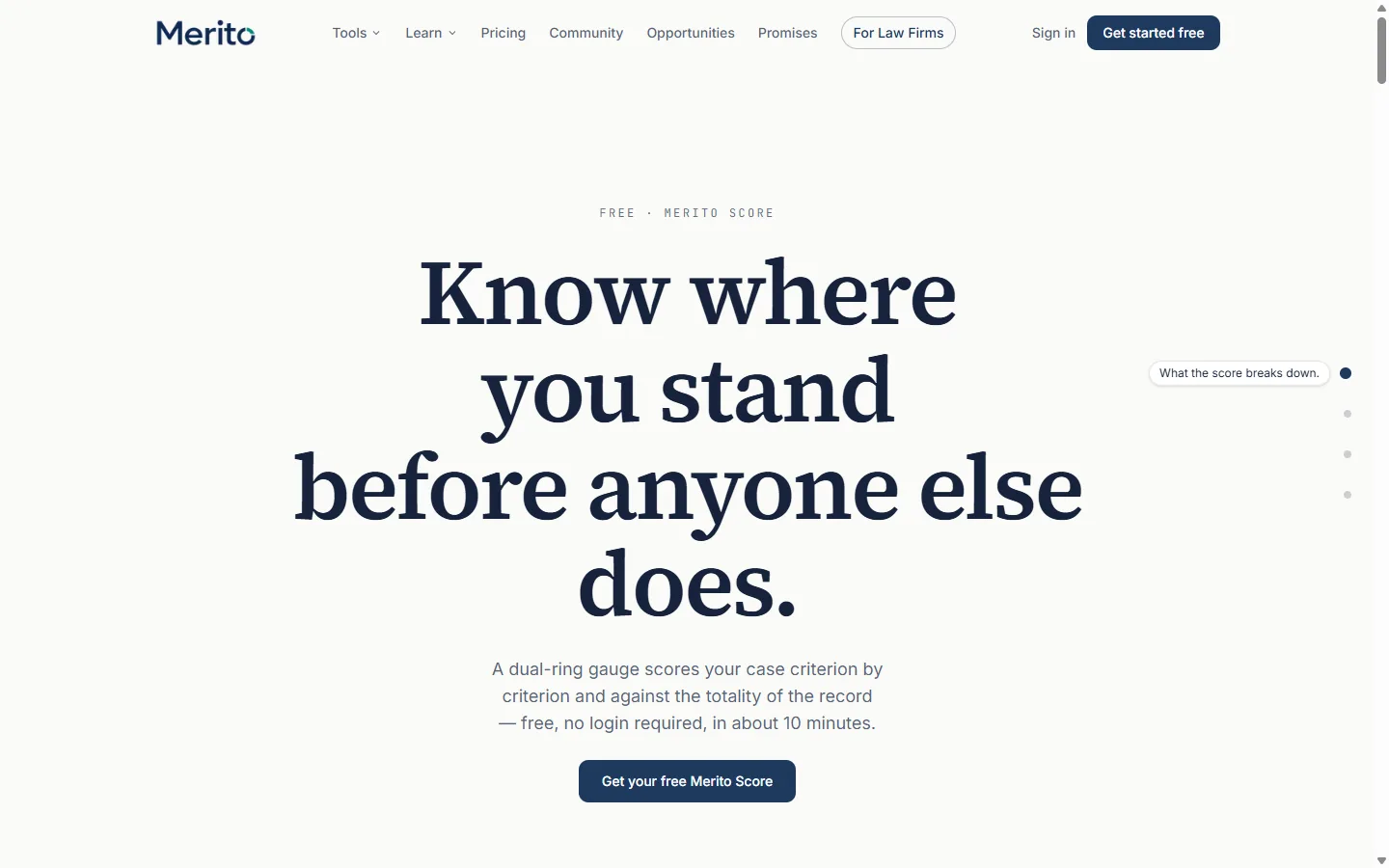
- Scores a short, self-reported questionnaire against the published EB-1A, O-1A, or EB-2 NIW criteria and renders it as a dual-ring gauge: an outer ring for criteria readiness and an inner ring for final-merits readiness.
- Gives a criterion-by-criterion breakdown (Strong / Moderate / Weak / Not yet addressed) with plain-language reasons, plus a short "worth a closer look" list when applicable.
- Needs no login to take and no uploaded documents to score — it reads only the answers you give it, not your case file.
When to use it
Merito Score sits at the front of the Assessment stage of the Case Journey, before Merito Audit or Officer Simulator — it's usually the very first tool a petitioner runs, since it needs no case file or uploaded documents at all. Because it's a self-reported questionnaire, not a document analysis, treat it as a starting orientation rather than a substitute for building out a real case file. Its own results page points forward to RFE Decoder next, and previews (for Pro users) what Officer Simulator and Debate Mode add once a case is actually being built.
Before you start
- No account and no documents required to take the assessment and see a preview.
- A free account (about 10 seconds to create) is required to unlock the full score on the same page.
- Takes about 5–10 minutes: one short multiple-choice section per criterion in your chosen path, plus a final "about your evidence overall" section.
- Cost: free. No
tool_costsrow exists for this tool — nothing is ever charged, retaking it costs nothing either.
Step by step
Choose your path. Open the tool and pick EB-1A, O-1A, or EB-2 NIW. This sets which criteria and questions the rest of the wizard shows. You can retake it later for a different path.
Answer per-criterion questions. Work through the wizard one criterion at a time, each with its own short set of multiple-choice questions.
Answer the general section. A final "about your evidence overall" section covers things like years active, when your strongest evidence was achieved, and how concentrated or spread out it is — this is what feeds the inner (final-merits) ring specifically, not the outer criteria ring.
- Tip: don't skip this section or rush it — it's the only part of the questionnaire that speaks to the totality-of-the-record question, which the per-criterion sections can't capture on their own.
Let it autosave. Your answers save roughly a second after each change. A "resume" notice appears once you're past the first step, with a "Start over" option if you want to reset.
Submit. On the last step, select "View my results" to score your answers and go to your results page.
Create a free account to unlock. First arrival at results shows a preview (how many criteria look strong) and a prompt to create a free account, which unlocks the full score immediately on the same page.
- Warning: the score is computed and stored the moment you submit, but stays locked to you until you create the account — do this before closing the tab if you want to keep the result.
Read your full result. Once unlocked: the dual-ring gauge, per-criterion breakdown, any flags, and options to download a PDF report or copy a shareable badge link.
Reading the result
- Criteria readiness (outer ring) — how many of the regulatory criteria your evidence plausibly reaches, out of 100.
- Final merits readiness (inner ring) — whether your record as a whole reads as sustained acclaim, beyond individual criteria, out of 100. This is a separate ring specifically because meeting individual criteria and clearing the totality-of-the-record review are legally distinct questions.
- Criterion-by-criterion status — each criterion in your path, shown as Strong / Moderate / Weak / Not yet addressed, with a plain-language reason attached.
- Worth a closer look — a short list of flags the scoring noticed in your answers. Shown only when applicable, not on every result.
The results page and the shareable badge page both carry a standing disclaimer: "a readiness snapshot from Merito — not a law firm, not a probability estimate." Nothing on this page is a prediction of any USCIS outcome.
Free vs Pro for this tool
- Merito Score is free on every plan, including no account at all for the preview — the full result needs only a free account, never a paid one.
- A Pro trial (7 days) unlocks the tools your score points to next once you're ready to go deeper: Case Canvas, Merito Audit, Officer Simulator, and the rest of the Pro toolset draw from the same case file Score doesn't need.
- Starting a Pro trial requires a card at checkout (a standard Stripe subscription trial) — cancel any time from the billing portal before the trial ends and you won't be charged. Start it from the main button under the headline on any Pro tool's own page; that button's label follows your plan: "Start your free trial" before you have used one, "Upgrade to Pro" if you have already used it, and "Run" followed by the tool's own name once your plan or trial already covers that tool. Merito Score itself is free on every plan, so this tool's own page always shows "Run Merito Score".
Ready to put this to work on your own case? Start free — no credit card required, or start your free trial to unlock the full Pro toolset. For more background from Merito's parent site, see EB1 Mentor's free profile evaluation.
Common mistakes
- Abandoning the wizard partway through and assuming progress is lost — it autosaves and is resumable. Use "Start over" only if you actually want to reset.
- Treating a single "Weak" or "Not yet addressed" criterion as disqualifying on its own. Most real petitions don't have every criterion equally strong; the dual-ring totality (especially the inner ring) is what reflects the fuller picture.
- Rushing or skipping the general "about your evidence overall" section — it's the only input to the final-merits ring, not a formality.
- Jumping straight to the PDF report without reading the on-page breakdown first — the report is a static export of the same data, not additional analysis.
Frequently asked questions
Is Merito Score really free, with no login required?
Yes. Taking the assessment and seeing a preview needs no account. A free account is only required to unlock the complete score, and takes about 10 seconds.
Can I retake the assessment if I chose the wrong visa path, or my answers change?
Yes. "Retake the assessment" is available from your results, and "Start over" mid-wizard. Each submission creates its own result; retaking never overwrites a prior one.
Does Merito Score read my actual documents?
No. It's a self-reported questionnaire, not a document analysis tool. Tools that read real case documents — Case Canvas, Merito Audit — are separate, later steps.
What's the difference between the criteria ring and the final merits ring?
The criteria ring reflects how many individual regulatory criteria your evidence plausibly reaches. The final merits ring reflects whether your record as a whole reads as sustained acclaim — a separate legal question, which is why there are two rings instead of one blended number.
Does a low score on one criterion mean I don't qualify?
No. Most real petitions don't have every criterion equally strong. The tool's design — separate per-criterion status plus a distinct final-merits ring — reflects that a case is read as a totality, not a single weak link.
Can I share my score without exposing my actual answers?
Yes. The shareable badge link states plainly that it's "a readiness snapshot from Merito — not a law firm, not a probability estimate" and does not expose your question-by-question answers.
Merito is not a law firm and does not offer legal advice or predict approval odds. This is a readiness review to help you and your attorney strengthen your case.