
What it does

- Reads a Request for Evidence, Notice of Intent to Deny, denial, or appeal decision and breaks down exactly what it's asking for: which regulatory criteria are being questioned, what kind of objection each one is, an overall severity read, and a plain-English summary.
- Detects your document type and visa category (EB-1A, O-1A, or EB-2 NIW) automatically from the letter's own content — you never specify a category going in.
- Runs in under a minute, free, with no login required to decode a letter.
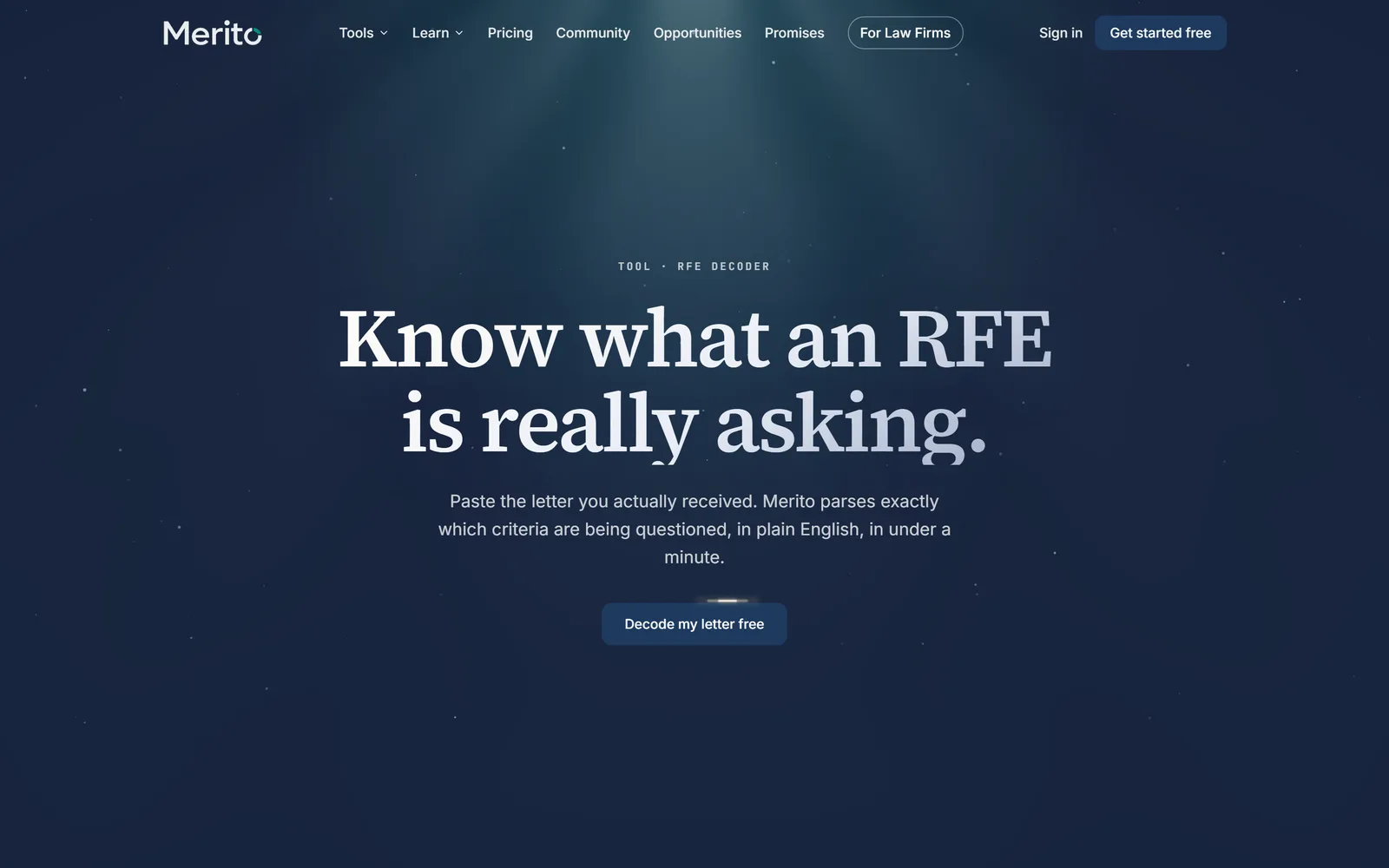
The in-product screen title is "Denial/RFE Decoder Lite." This is an AI-driven analysis (Claude reads and structures the letter), so every result carries the standard compliance disclaimer band — it explains what the letter says, never what your odds of overcoming it are.
When to use it
RFE Decoder is the free, first-look entry point into the Respond stage of the Case Journey — the same stage RFE Studio (the Pro full response-drafting tool) belongs to. Most petitioners land here directly after receiving a real letter, independent of where they otherwise are in their case.
Its own results page points forward to Pathway Navigator next — a genuinely different use case (someone reconsidering strategy, not responding to something filed) worth knowing rather than assuming one single journey. If the breakdown reveals gaps in your case, Merito Score is a natural next step too.
Before you start
- Your actual letter, in one of three forms: upload a file (PDF, PNG, JPG, or .txt, up to 50MB), paste the text directly (500–50,000 characters), or fetch it from a direct link to a PDF.
- No account needed to decode a letter and see the preview; a free account (10 seconds) unlocks the full breakdown.
- Cost: free. No
tool_costsrow exists for this tool. A daily rate limit protects the search/analysis infrastructure — it is not a credit charge.
Step by step
Choose how to provide your letter — upload, paste, or fetch from a link.
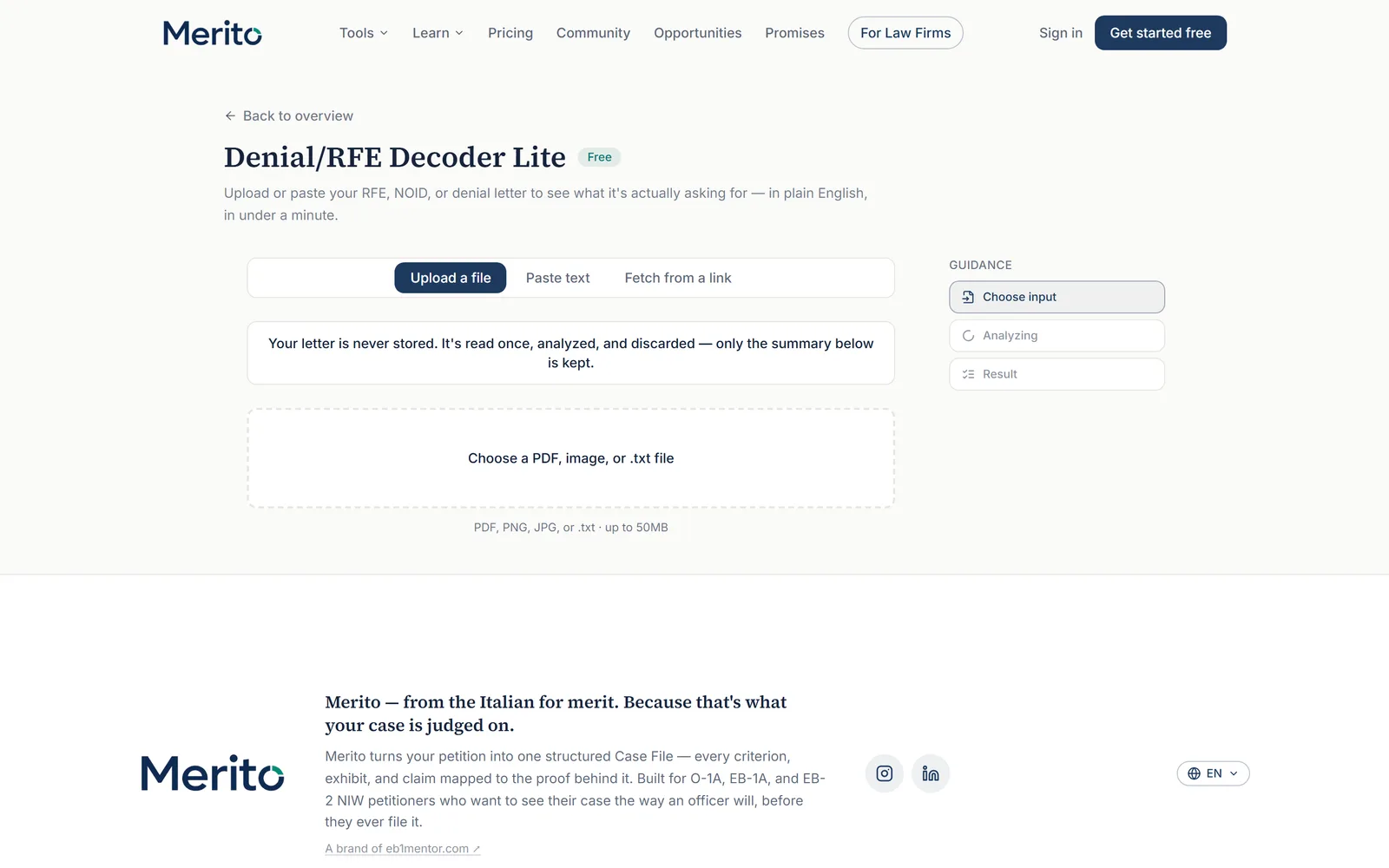
Tip: If your letter is a scanned image or a PDF with mixed text/image content, upload the actual file rather than retyping it into the paste tab — the upload path handles that directly.
Submit — the tool reads and analyzes the letter (shown as "Reading and analyzing your letter…" or "Analyzing your letter…" depending on the input method).
You're redirected to your results page. On first arrival you see a preview: the detected document type and how many criteria were questioned.
Create a free account (10 seconds) to unlock the full breakdown immediately, on the same page.
Read the breakdown: document type, detected visa type, overall severity, a plain-English summary, and every criterion questioned with its objection type and a one-line explanation.
Example output — a static placeholder is used here in place of a live results screenshot. No fixture account in this pass had an existing, claimed RFE Decoder session to capture without triggering a fresh analysis; see the report's evidence table for exactly which steps this applies to.
Reading the result
- Document type — Request for Evidence (RFE), Notice of Intent to Deny (NOID), Denial, Appeal Decision, or "Unclear document type" if the tool can't confidently tell.
- Visa type detected — EB-1A, O-1A, EB-2 NIW, "Other," or "Unclear" — read automatically from the letter itself.
- Severity — an overall read of how broad the objections are: Narrow, Moderate, or Broad, with a color indicator.
- Plain-English summary — a short paragraph translating the letter's substance out of its own formal phrasing.
- Criteria questioned — each specific regulatory criterion the letter raises a concern about, tagged with an objection type (Insufficient evidence, No evidence submitted, Final merits / totality, or Procedural) and a one-line explanation.
Warning: The tool's own privacy note states your letter is never stored — it's read once, analyzed, and discarded, and only the structured summary is kept. Worth knowing before uploading a real, sensitive letter. Separately: "severity" describes the letter's own breadth, not your odds of overcoming it — read it as a triage signal, never a verdict.
Free vs Pro for this tool
- The free tier includes everything in "Reading the result" above: objections with severity, document and visa type detection, and the plain-English summary — no plan or card required, ever, for this.
- Upgrading to RFE Studio (Pro) adds what this free tool deliberately doesn't do: a full paragraph-by-paragraph response skeleton mapped to your actual exhibits, officer tone analysis for every objection, and matched AAO precedent decisions — see the RFE Studio guide.
- If you start the 7-day Pro trial to reach RFE Studio, note Stripe's checkout collects a card upfront (not a no-card trial); cancelling anytime after is self-serve through the billing portal. None of this is required just to decode a letter here.
- Start your free trial from
/dashboard/billingonce you're ready for the response-drafting step — decoding your letter itself never asks for it.
Ready to put this to work on your own case? Start free — no credit card required, or start your free trial to unlock the full Pro toolset. For more background from Merito's parent site, see EB1 Mentor's free profile evaluation.
Common mistakes
- Pasting only an excerpt instead of the full letter text — a partial letter can produce an incomplete or misleading breakdown, since the tool can only analyze what it's given.
- Treating "Narrow" severity as meaning the letter isn't serious. Narrow just means the objections are concentrated on fewer criteria — even a narrow RFE on a single criterion can be genuinely case-deciding.
- Waiting until close to the response deadline to run this. It's a fast, free first-look step meant to inform planning early, not something to save for the end.
- Mixing up document types before responding — an RFE, a NOID, and a denial each call for a different kind of response; the tool detects this for you specifically so you don't have to guess.
Frequently asked questions
Does RFE Decoder store or keep my letter?
No — per the tool's own privacy note, your letter is read once, analyzed, and discarded. Only the structured summary is kept.
Do I need to tell it which visa category my case is?
No — it detects EB-1A, O-1A, or EB-2 NIW automatically from the letter's own content.
Is a free account required to use it at all?
No — reading and analyzing your letter, and seeing a preview, needs no account. A free account (10 seconds) only unlocks the full breakdown.
What's the difference between the free version and RFE Studio?
This free tool tells you what's being questioned and how severely. RFE Studio (Pro) goes further: a full paragraph-by-paragraph response skeleton mapped to your exhibits, officer tone analysis per objection, and matched AAO precedent decisions.
Can it analyze a NOID or an appeal decision, not just an RFE?
Yes — document-type detection explicitly covers RFEs, NOIDs, denials, and appeal decisions.
What if the tool can't confidently tell what type of letter or which criteria are involved?
It says so directly rather than guessing — "Unclear document type" and "Unclear" visa type are real possible results for a genuinely ambiguous or unusually formatted letter, not failure states.
Merito is not a law firm and does not offer legal advice or predict approval odds. This is a readiness review to help you and your attorney strengthen your case.